Time off is simple until you try to run it in messages and a spreadsheet.
An employee asks their manager for three days in August. The manager does not know how many days are left, so the employee asks HR. HR checks, goes back to the manager, then back to the employee. Four messages, three people, one day off.
1
Every January, someone carries unused balances into the new year by hand, person by person.
2
Someone asks why their balance is what it is, and there is no screen to show them.
3
No one can see who else is off that week, so planning around it is guesswork.
4
Every approved leave needs a confirmation document, written out by hand each time.
5
At year end, there is no picture of how leave was actually used.
Kadar clears each of these.
How it fits your team
Your company already has a leave policy. Kadar does not write you a new one, it runs the one you have.
01
Nothing here is predefined
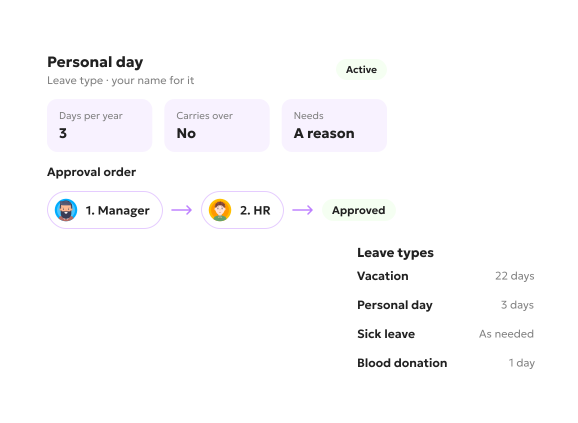
You set the leave types and call them what your company already calls them, a personal day or whatever the internal name is. Nothing arrives as a fixed list, because no two companies run leave the same way.
You set how many days each type carries, what it needs before approval, and who approves it in what order, the manager first and HR after, or whatever your company already does. An admin sees every request either way.
02
Who is off, and when
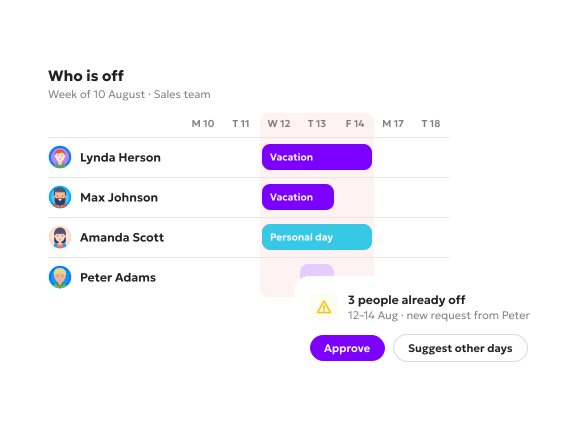
Once the rules are set, the calendar carries the rest. Every leave type you named shows up on it as itself, and the week where three people have already booked the same days is visible before a fourth request lands.
03
The paperwork comes with the approval
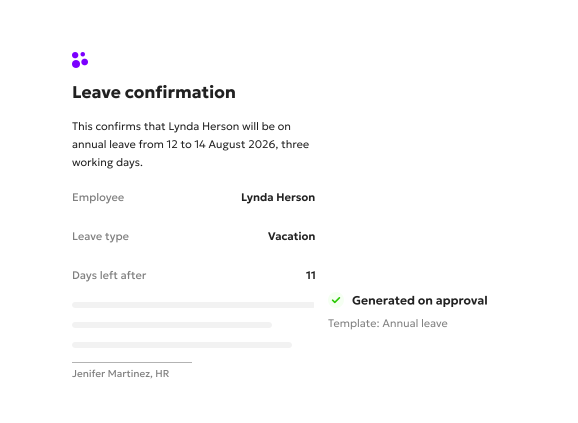
Some leave types need a confirmation document. Your company defines the template, and Kadar generates the document when the leave is approved, instead of someone writing it out by hand every time.
04
Where it shows up afterwards
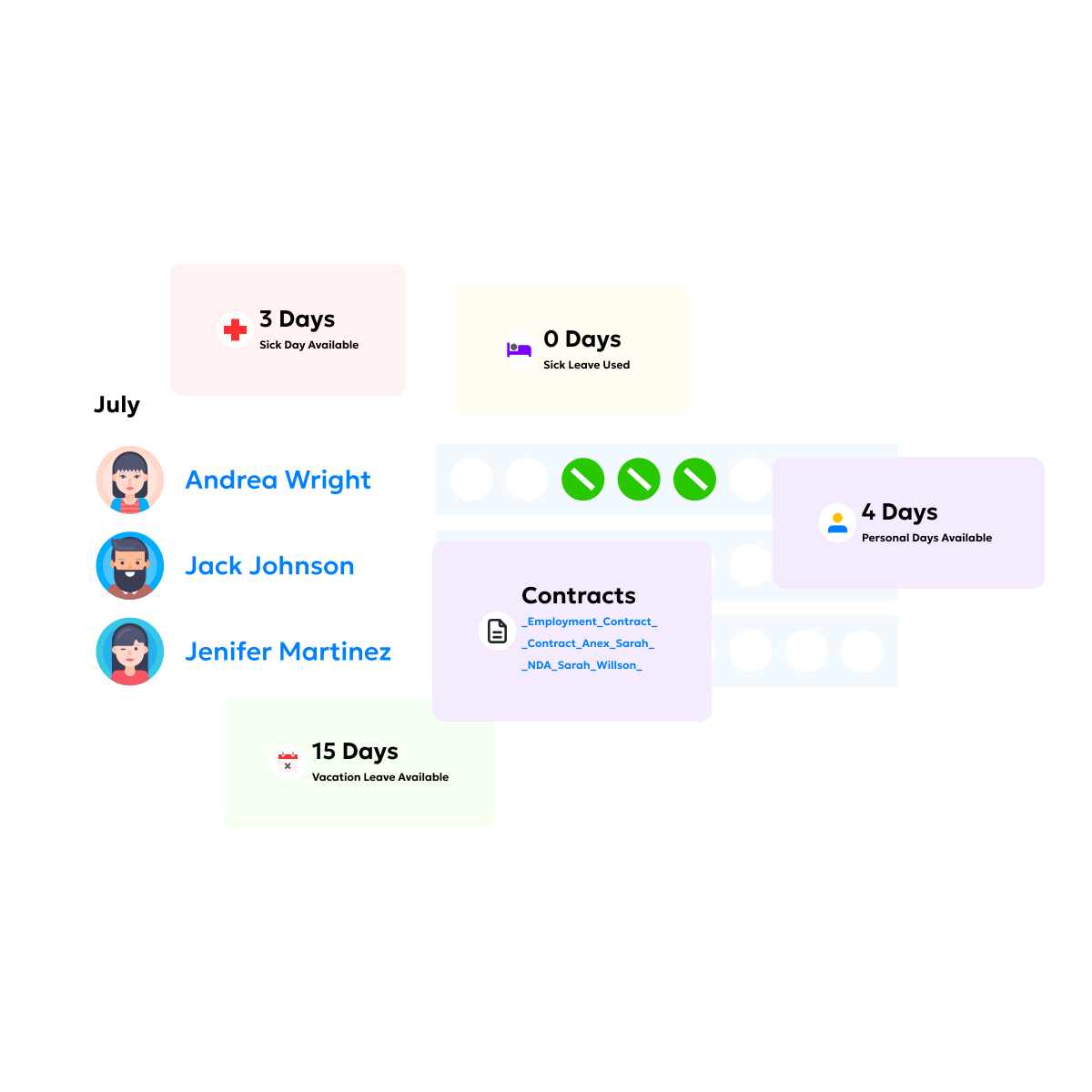
Everything a person has taken sits on their own profile, next to the rest of their record.
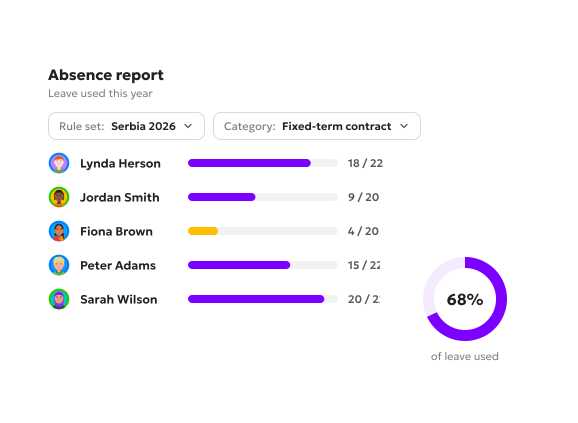
There is also one absence report. You pick the set of rules it runs against and the category you want, everyone on a given contract type for example, and see how much of their leave they actually use.
What leave management looks like day to day
The same time off, from three sides.
1
For the employee
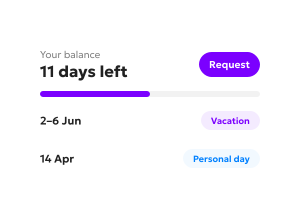
Their own balance, and a timeline of the leave they have already taken. The balance makes sense because the history behind it is right there. Requests go through the system, not through a manager’s inbox.
2
For HR
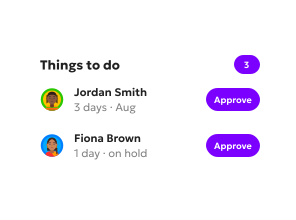
A board where every request is organized the way that suits them. New requests and anything sitting on hold land in a “things to do” list, so a request waiting on approval surfaces even on a day nobody opens the module.
3
For managers
The same board, scoped to their own team. They see their people’s requests and balances, and nothing from the rest of the company.
How one team used it
A company whose business peaks in summer wanted people taking their leave in the quieter seasons instead. The policy already said so. The problem was that no one could tell whether managers were actually encouraging it, or catch it early enough when too many people booked the same weeks in July. Once every request sat in one place, both were visible.
FAQ
Do you do payroll?
No. Kadar tracks the leave, and the data payroll needs can be exported into the payroll system you already run.
Can we set different rules for different countries or entities?
Yes. Kadar holds more than one leave template at once, so a team in one country and a team in another each run on their own rules.
Who sets it up?
Your HR team owns it. We work through the setup with you as far as you want, the leave types, the day counts and the approval order. You do it once, and from there it runs.
Can we use it in our own language?
Yes. Your HR team may work in English, but the people sending requests across the business often don’t. Kadar runs in the language your people work in.
How is Absence and PTO packaged?
Absence management software is one of Kadar’s modules, leave management included. You switch on the modules you use and pay for those.
Got a question we didn't cover?
Book the 15-minute demo and ask. We'd rather answer it directly than guess what you meant on a page.
Time off shaped to fit how your team actually runs it.
Three days in August, asked once and answered in one place. No chain of messages, and nobody reconstructing a balance from memory.