Someone starts in two weeks. HR sends one message to tech support, one to the manager, one to admin, and keeps a list of who said yes. A few days later comes the second round: did that happen, is this ready, who was supposed to do it.
1
No shared template, so every onboarding starts from scratch.
2
Each task lives in a different conversation.
3
Nobody but HR can see what is still open.
How it fits your team
01
Built from how you already onboard
The plan starts from your own process and your own roles. You build it once for a role, and the next person in that role starts from it.
02
Every task goes to its owner
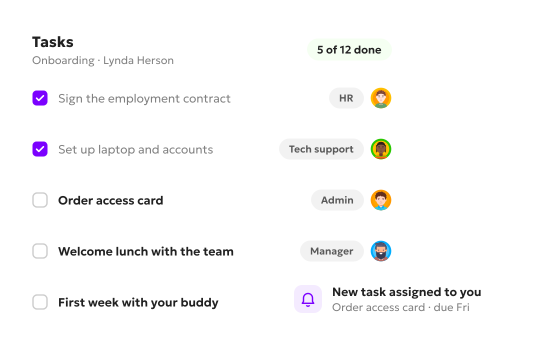
The message to tech support, the one to the manager, the one to admin: each becomes a task in the plan, with its owner. HR, managers, other departments and the new hire each get their own tasks. Managers and other departments see theirs on their dashboard and tick them off when they are done, so everyone involved is up to date.
03
By person, role or department, ownership set by you
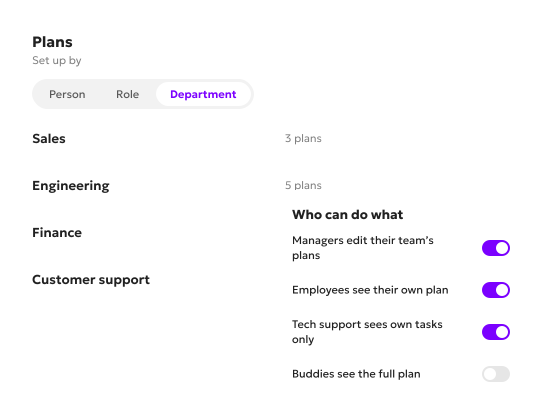
A plan can be set up by person, by role or by department. You change the permissions and the visibility, so ownership sits where your team is used to it sitting.
04
What goes into the plan
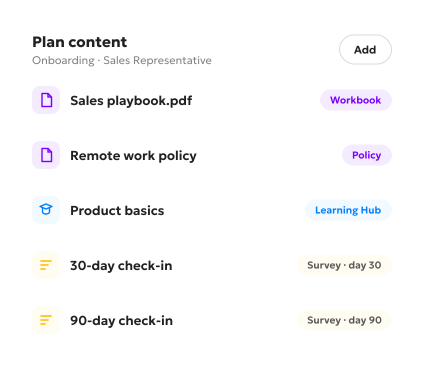
Alongside the tasks, a plan can carry:
• A workbook or a policy, attached to the plan. • A course from the Learning Hub. • Onboarding surveys, scheduled to go out after 30, 60 or 90 days. • A 1:1 linked to the plan, to talk through the first few weeks.
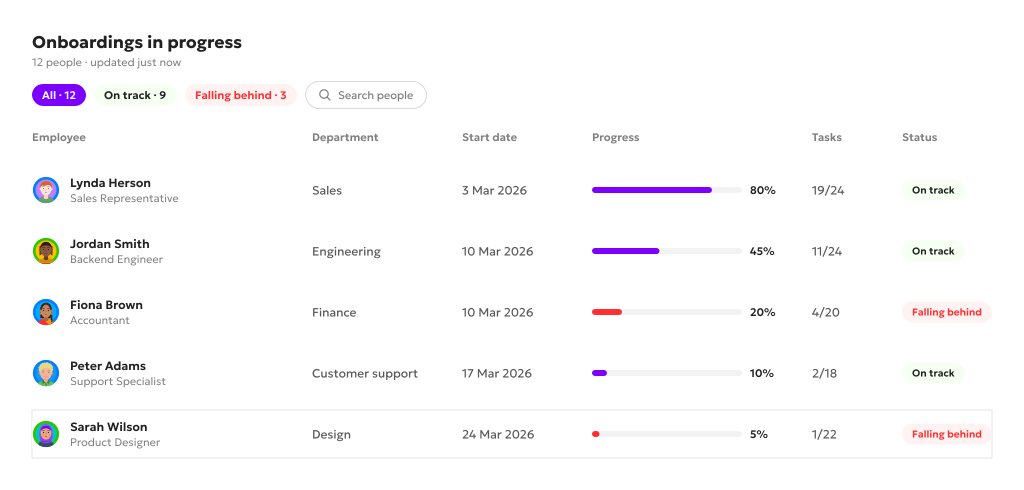
One board for every onboarding in progress
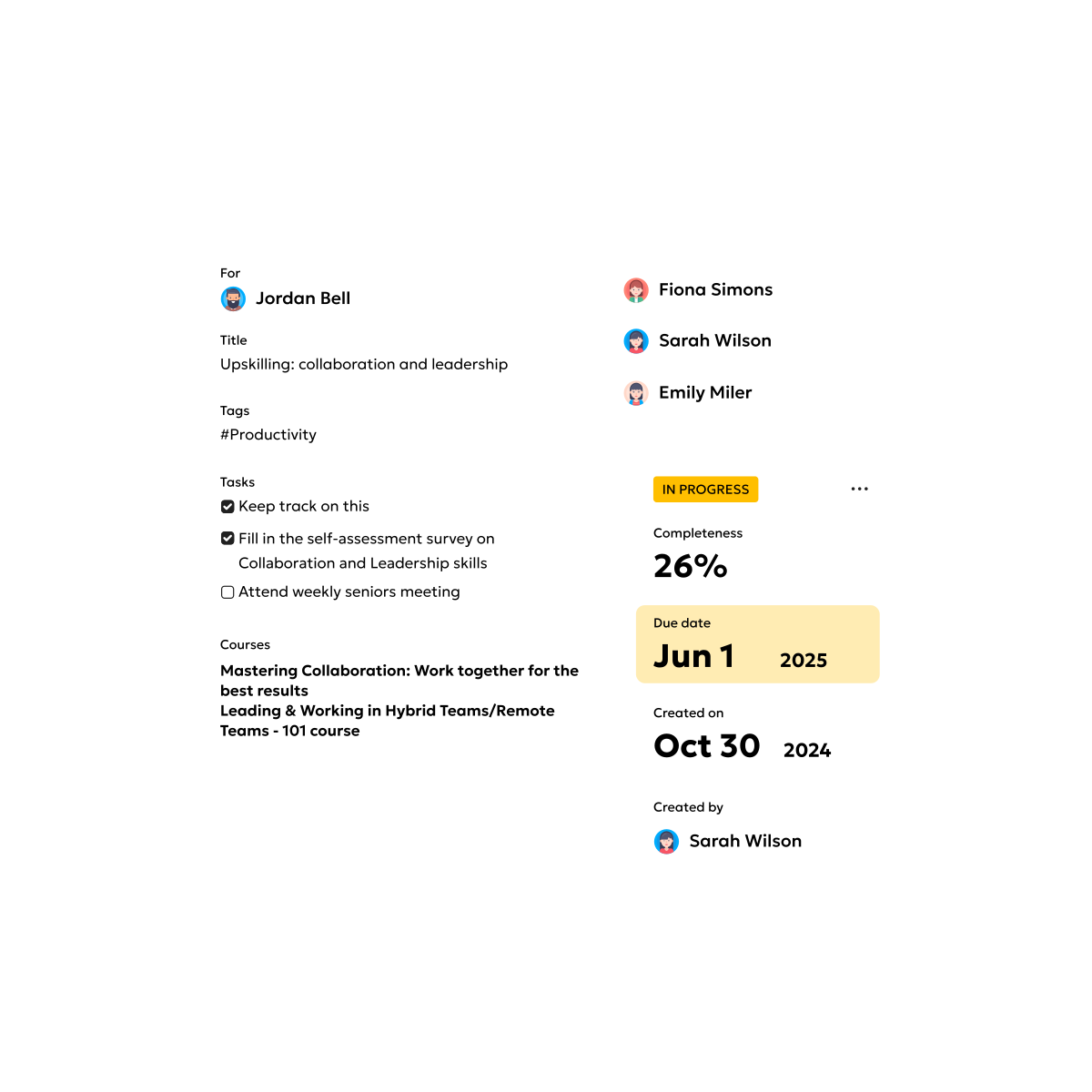
Every onboarding under way is on one board. HR filters it to see which are on track and which are falling behind.
What onboarding looks like day to day
The same plan, from two sides.
1
For HR
HR builds the flow and its tasks, attaches what the new person needs, schedules the follow-up survey or 1:1, and watches the board.
2
For managers and other departments
They see their own tasks on their dashboard and tick them off.
The new hire has their own tasks in the plan too.
FAQ
Who sets it up?
Usually your PeopleOps team, at whatever point suits your company. They build the plans from the process and roles you already have.
Do we have to start with onboarding?
No. Onboarding software is one of Kadar’s modules, and companies switch them on in their own order. Some start with performance, some with onboarding.
Can different roles have different plans?
Yes. A plan can be set up by person, by role or by department, and a role’s plan is reused for the next person who joins in it.
Can a plan include training?
Yes. A course from the Learning Hub can be attached to the plan, next to the tasks.
Got a question we didn't cover?
Book the 15-minute demo and ask. We'd rather answer it directly than guess what you meant on a page.
Onboarding shaped to fit how your team actually brings people in.
One plan, many owners, one board. Everyone knows what is theirs, and HR sees where each onboarding stands.